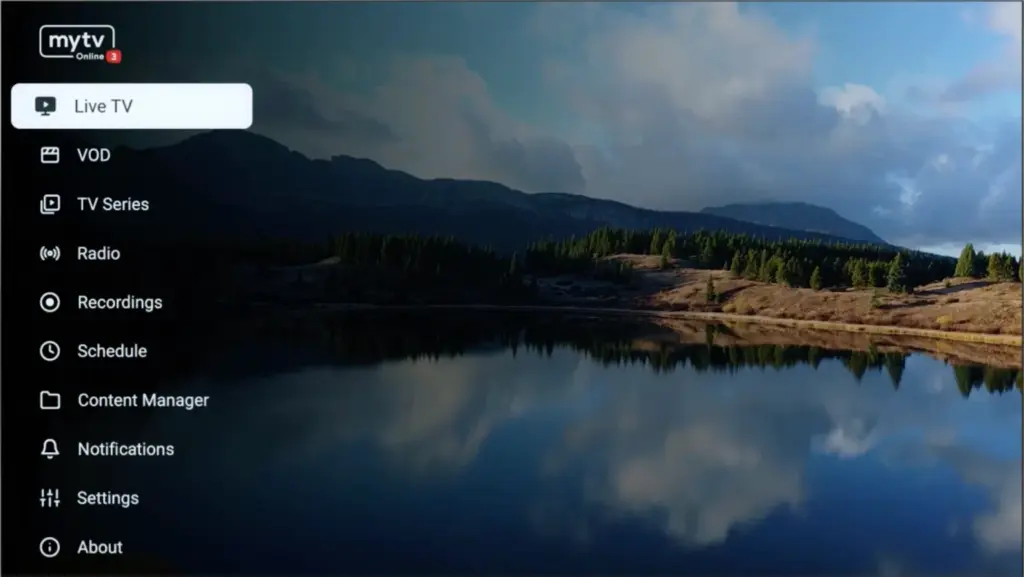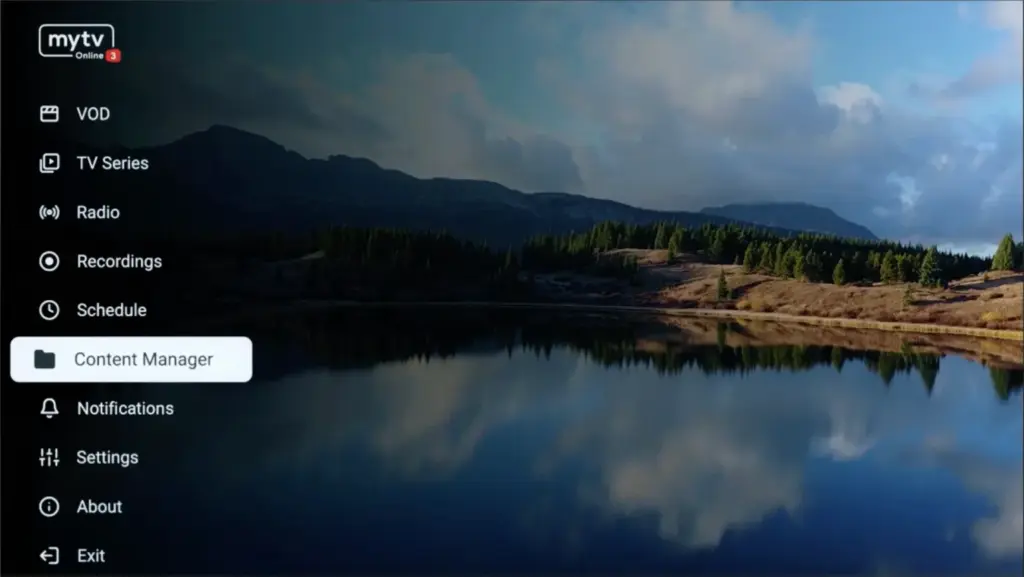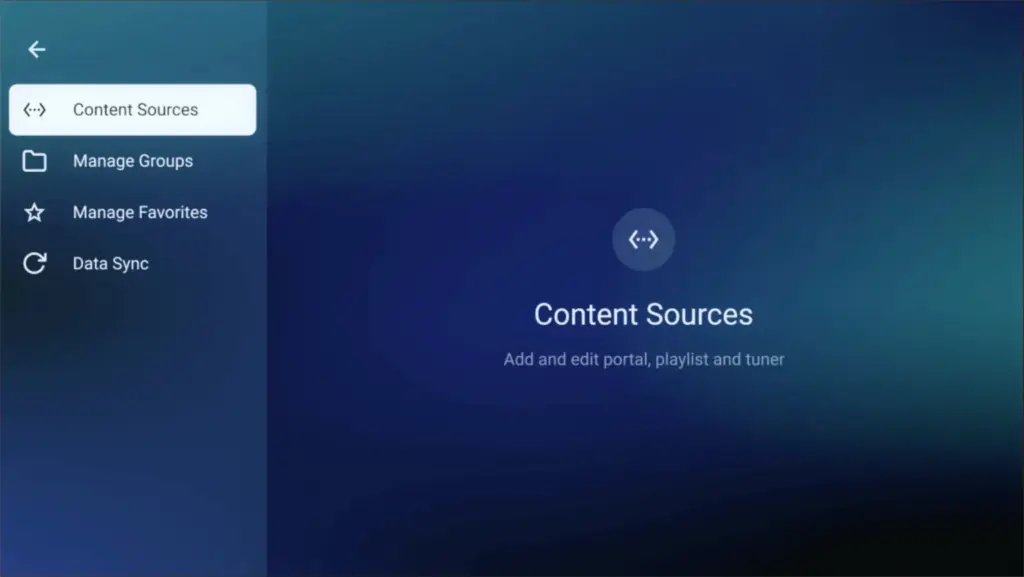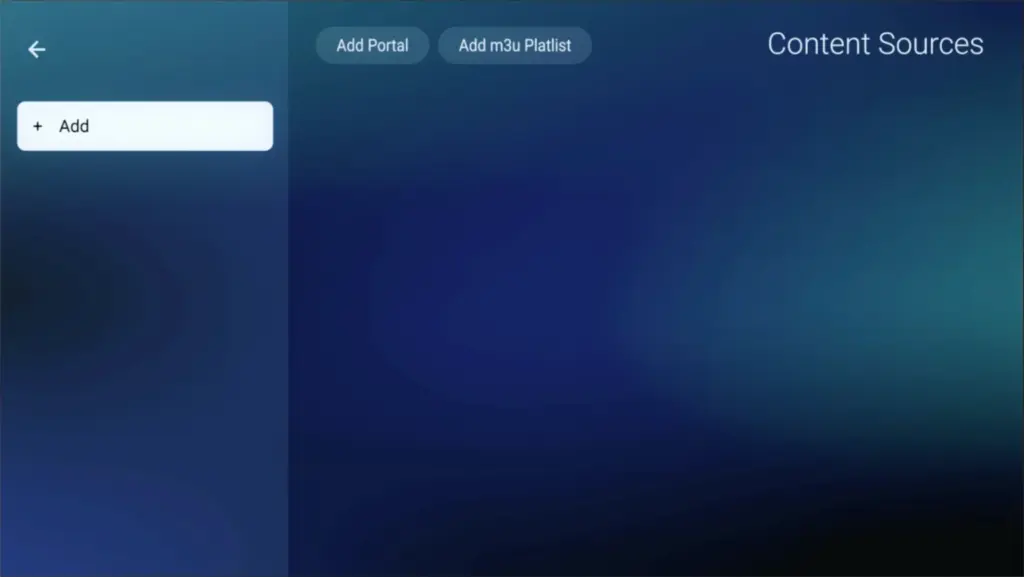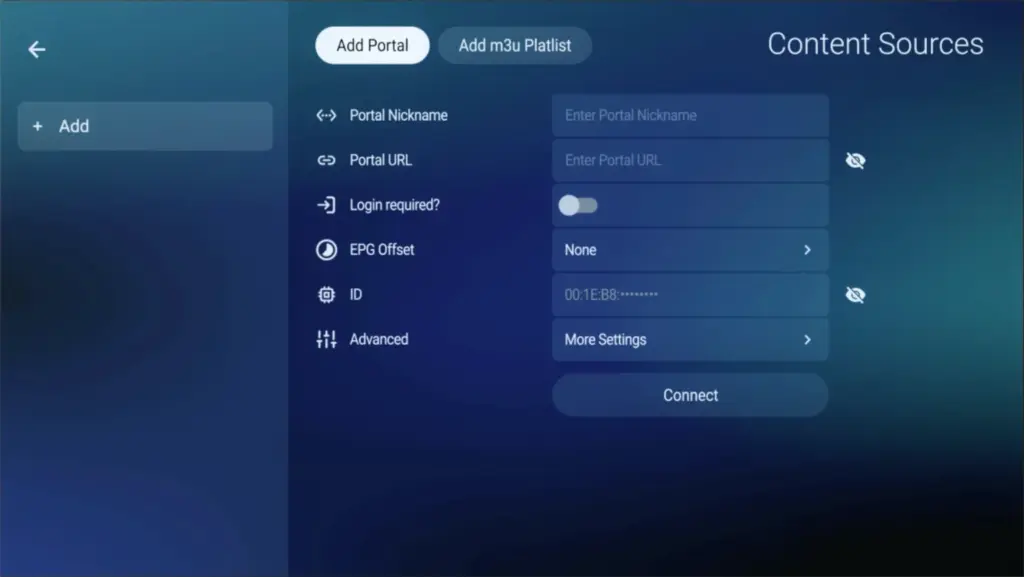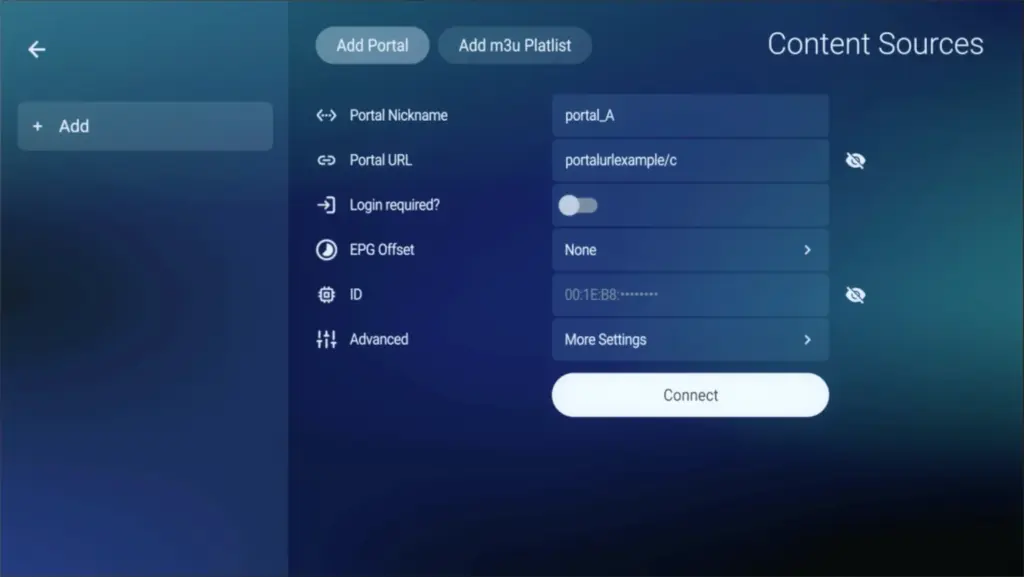
 open Downloader by AFTVnews. in the Home tab, select the field to enter a code or URL.
 code N°1 : 439873 code N°2 : 405663
Click Go The app will begin downloading automatically
When prompted, select Install
once installed, click Open to launch the app
You can now find the app on your Firestick under Your Apps & Channels.
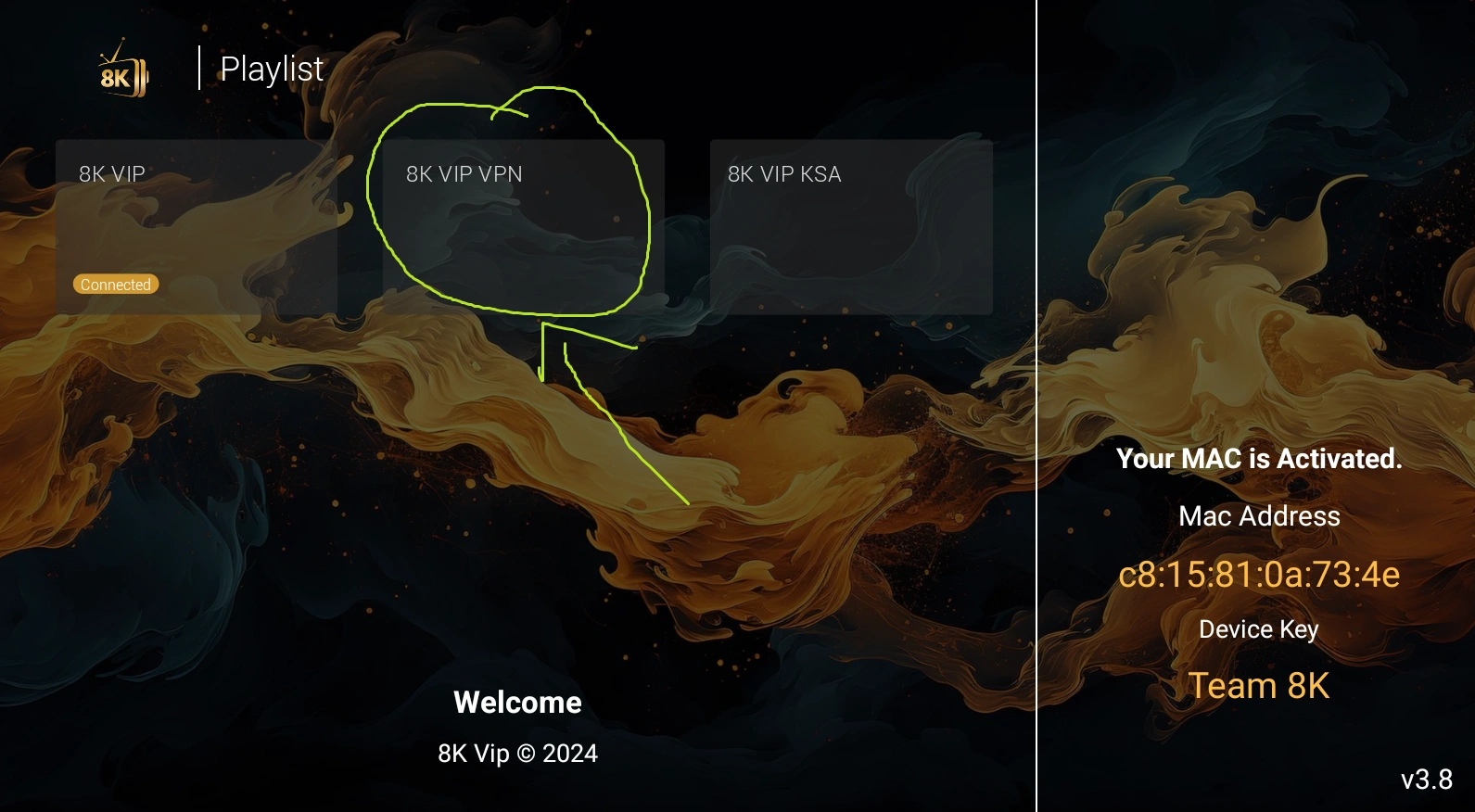
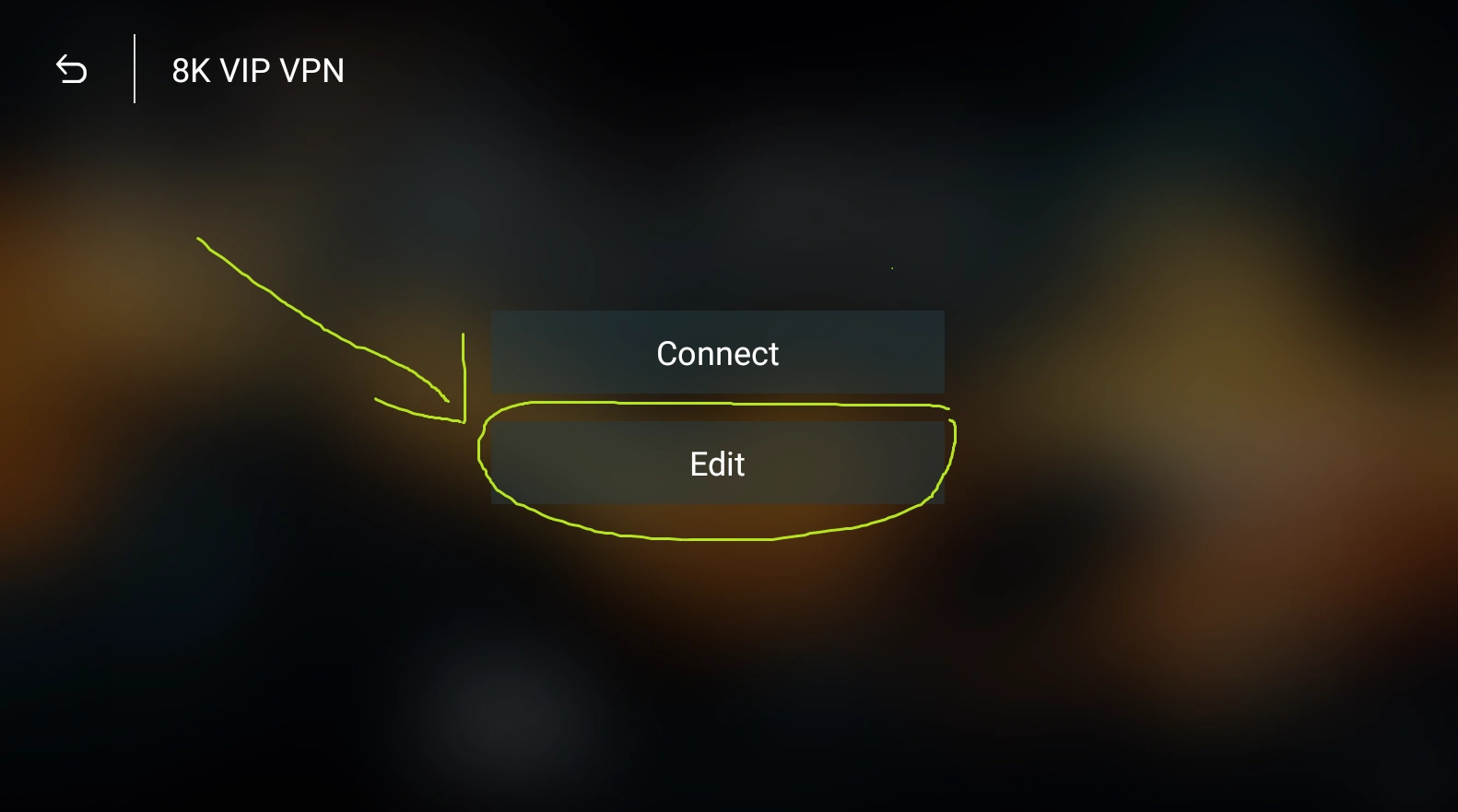
Open Google Play Store Step 2: Sign In (if needed) Step 3: Search for ibo Pro Player Step 4: Install the Application Step 5: Open the Application
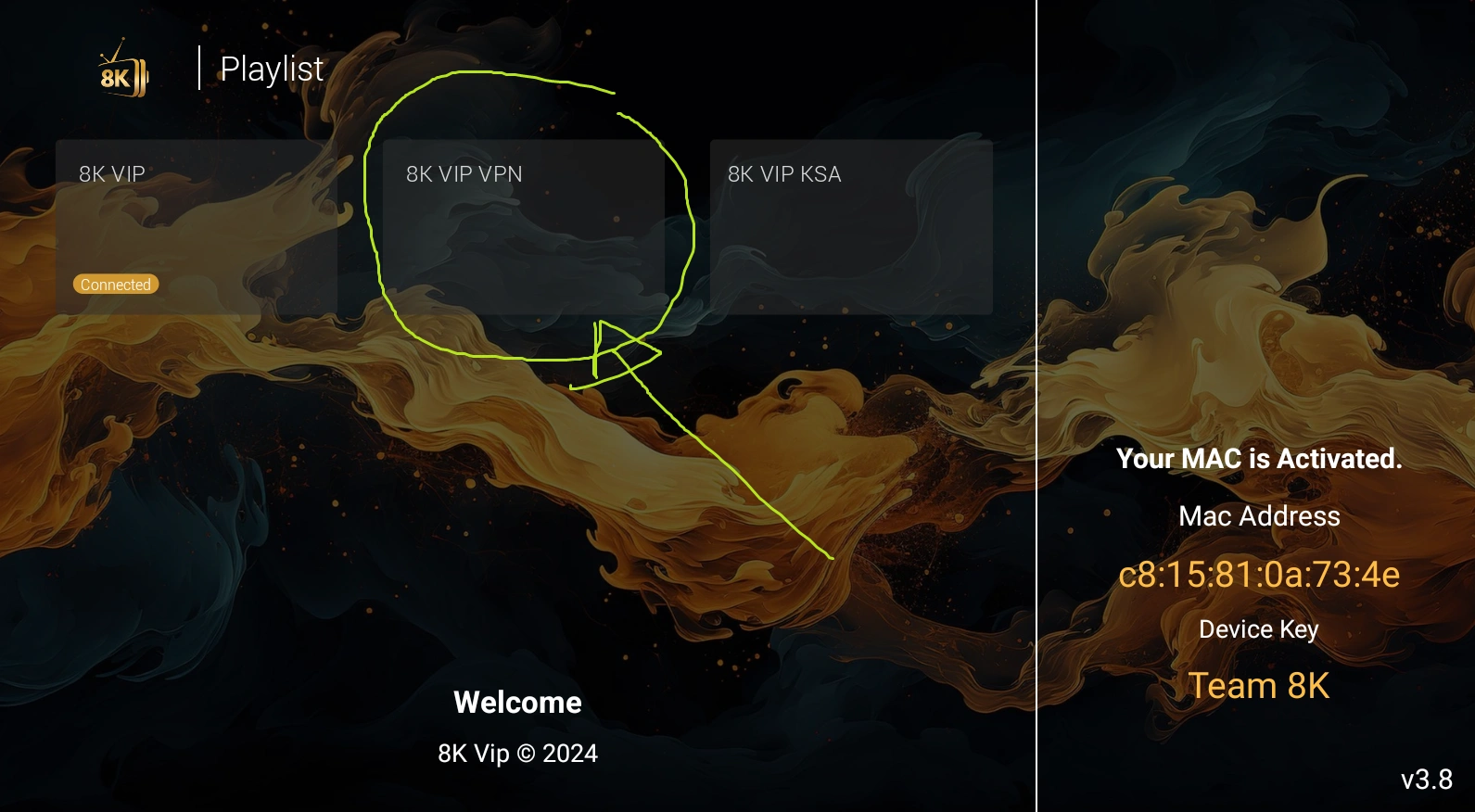
The information in **Picture 1** will appear for you.
MAC ADDRESS & DEVICE KEY
There are two situations (or: options):
You send me this information and I will do everything on your end.
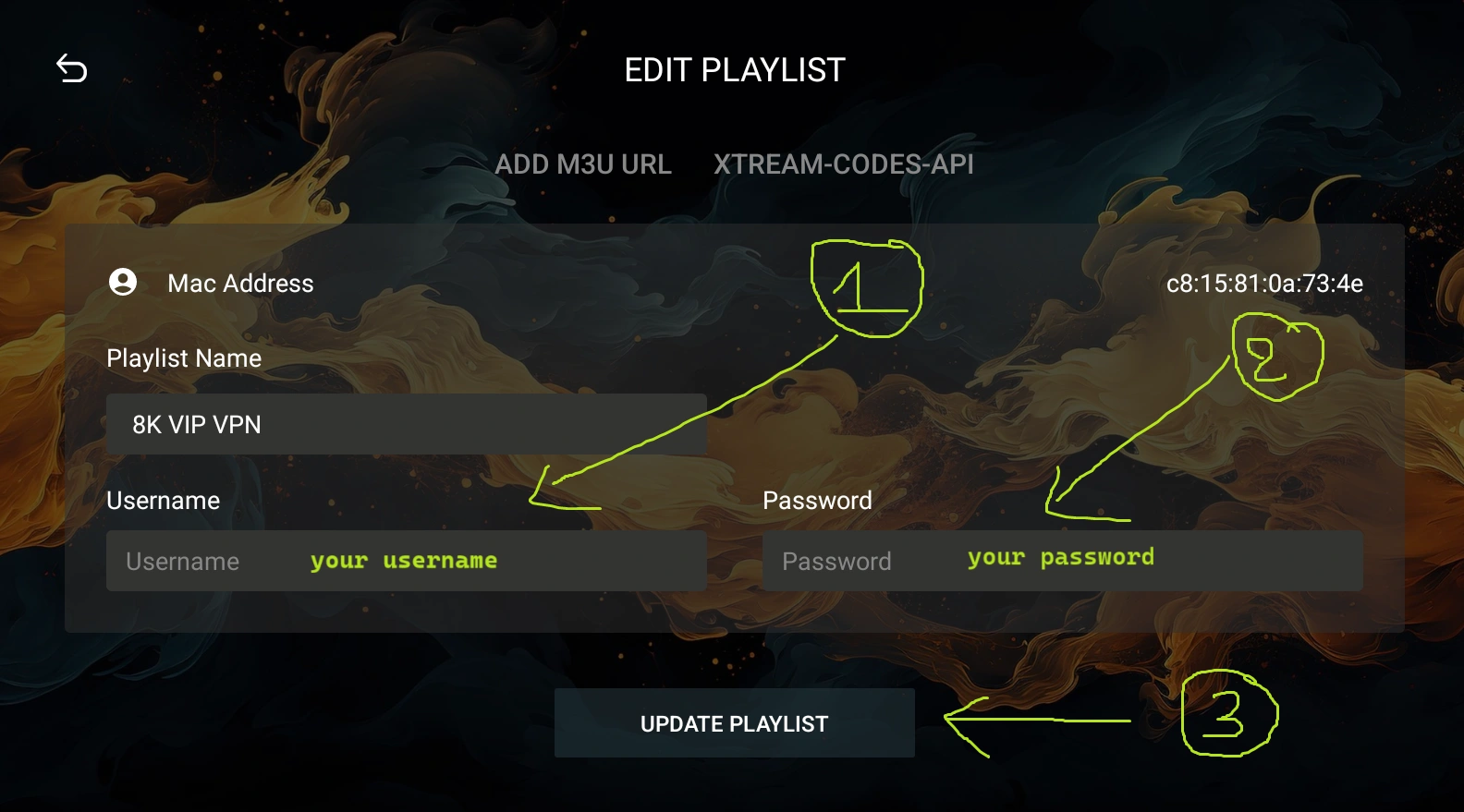
Click on “Add playlist” (or “Add item“), and it will show you where you will put the information: see Picture 2.
open Downloader by AFTVnews. in the Home tab, select the field to enter a code or URL. code N°1 : 439873 code N°2 : 405663
Click Go The app will begin downloading automatically
When prompted, select Install
once installed, click Open to launch the app
You can now find the app on your Firestick under Your Apps & Channels.


Step 1: Connect Your MAG Box Step 2: Go to Settings
From the Home Screen, go to Settings ( ).
).
Select System Settings.
Choose Servers.
Step 3: Enter Portal URL : “The link that you will receive after the purchase process.” Step 4: Save & Reboot
Download the App for MacOS: iOS (IPA)